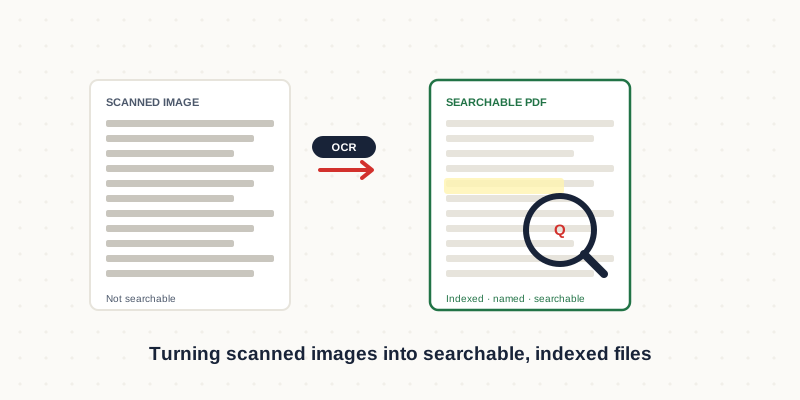
Scanning versus digitisation
Scanning captures a picture of each page. Digitisation, done properly, means that picture becomes a searchable, indexed, structured file you can find, quote from and extract data out of. A scanned PDF you cannot search is only marginally more useful than the paper it came from. The value is entirely in what happens after the scan: OCR, verification, naming and indexing.
How scan quality decides everything
OCR accuracy is set long before processing, by the scan itself. A clean 300 DPI colour or greyscale scan of typed text produces near-perfect results. A low-resolution, skewed, low-contrast scan — or one of handwritten or faxed material — produces errors that take longer to correct than the original would take to retype. If you control the scanning, the single most valuable decision is scanning at 300 DPI, straight, with good contrast.
Naming and indexing
OCR makes files searchable inside; naming and indexing make them findable in the first place. A consistent naming convention — client, date, document type — turns a folder of thousands of files into something a person can actually navigate. Indexing goes further, capturing key fields (invoice number, party names, dates) into a spreadsheet or system so documents can be filtered and retrieved without opening each one.
Planning a large project
For a big archive, process a representative sample first. That reveals the true scan quality, the handwriting load, and how much manual verification the batch will need — which is what actually drives cost and timeline. From there the work runs in scheduled batches rather than one overwhelming block, so you can start using the earliest batches while later ones are still in progress.
Need this done rather than explained?
We provide document digitization services for businesses in the US, UK and Australia — fixed quotes, human QA on every file, delivered remotely in your time zone.
Hire a Digitisation Expert →